
I needed to get a personal laptop with some life changes that are occurring, so that means I get to go through the fun1 of setting up a new Mac. Since I got my new Mac going into the holidays I have some extra time to make a few overdue tweaks to my previous automations. One of the staples I've had on my Macs (both work and home) is a weather "widget" to put the current temperature into my menu bar.
My original shortcut was based on the work by Federico at MacStories and Joe at Six Colors. I know I could use the actual widget functionality on my desktop to see the current weather, but I rarely see my actual desktop during the day and having the current temperature in the menu bar scratches my midwest itch to know the current weather. The first key item is of course the temperature, which I had with my original widget. The other part for a true midwest weather report is knowing the dew point. 2 So my updated weather widget needed to contain both.
As I was setting up my new Mac, I went back to the articles on MacStories and Six Colors to remind myself of how each of them implemented their weather widgets. As I read through the articles, I decided to add the SF Symbols icons to display the current conditions like Federico did. I still had a copy of Federico's original Shortcut in my library, so I used his weather symbol dictionary as a starting template.3 Since this is a new Mac, I realized I didn't have have the SF Symbols app and needed to install that first. You can get the library here - SF Symbols.
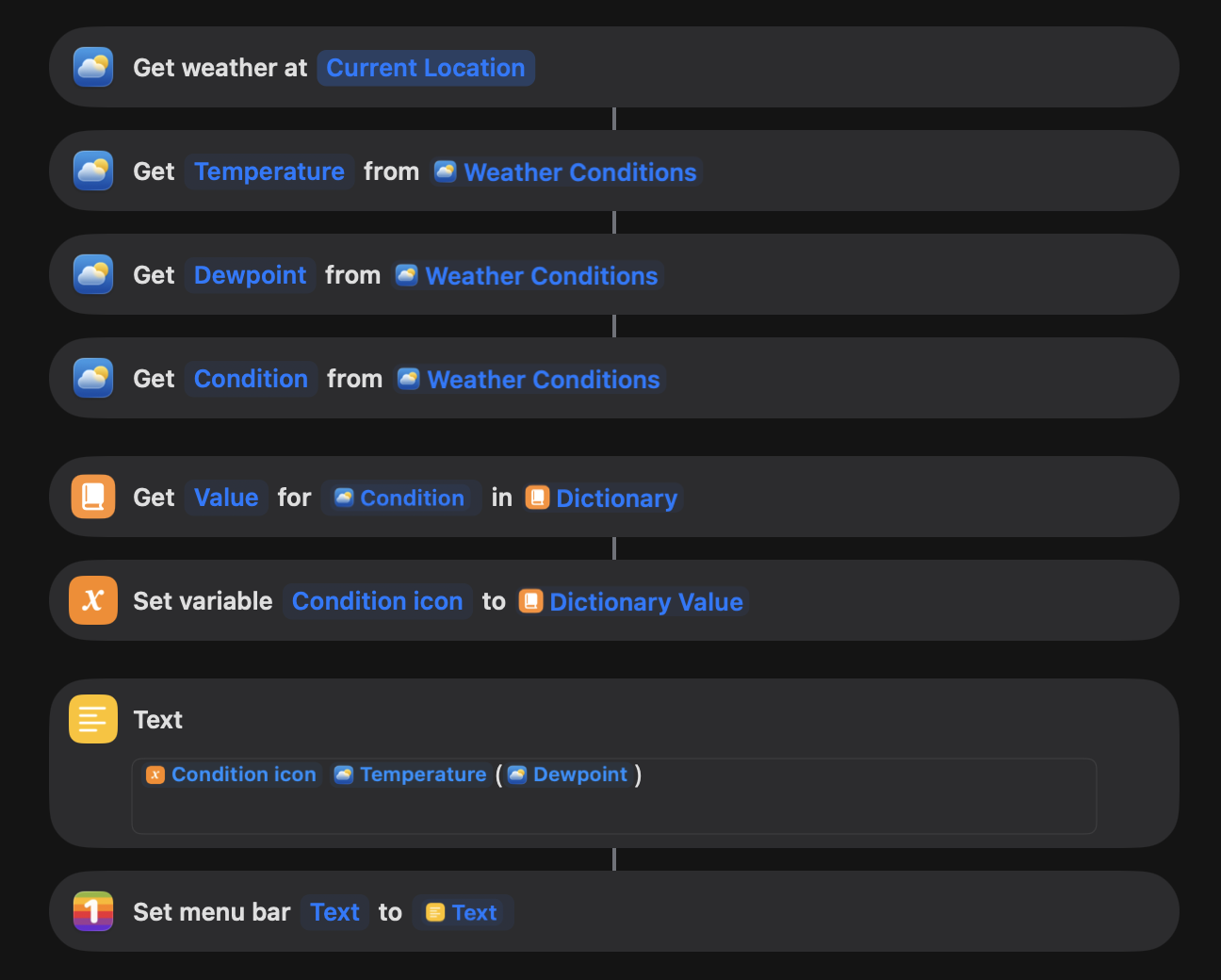
I duplicated my original weather shortcut and added a copy of the weather symbol dictionary from Federico's weather shortcut. My plan wasn't to go down the path of temperature trending, so I shortened up the dictionary. Skipping the temperature trending made my shortcut pretty straight forward.
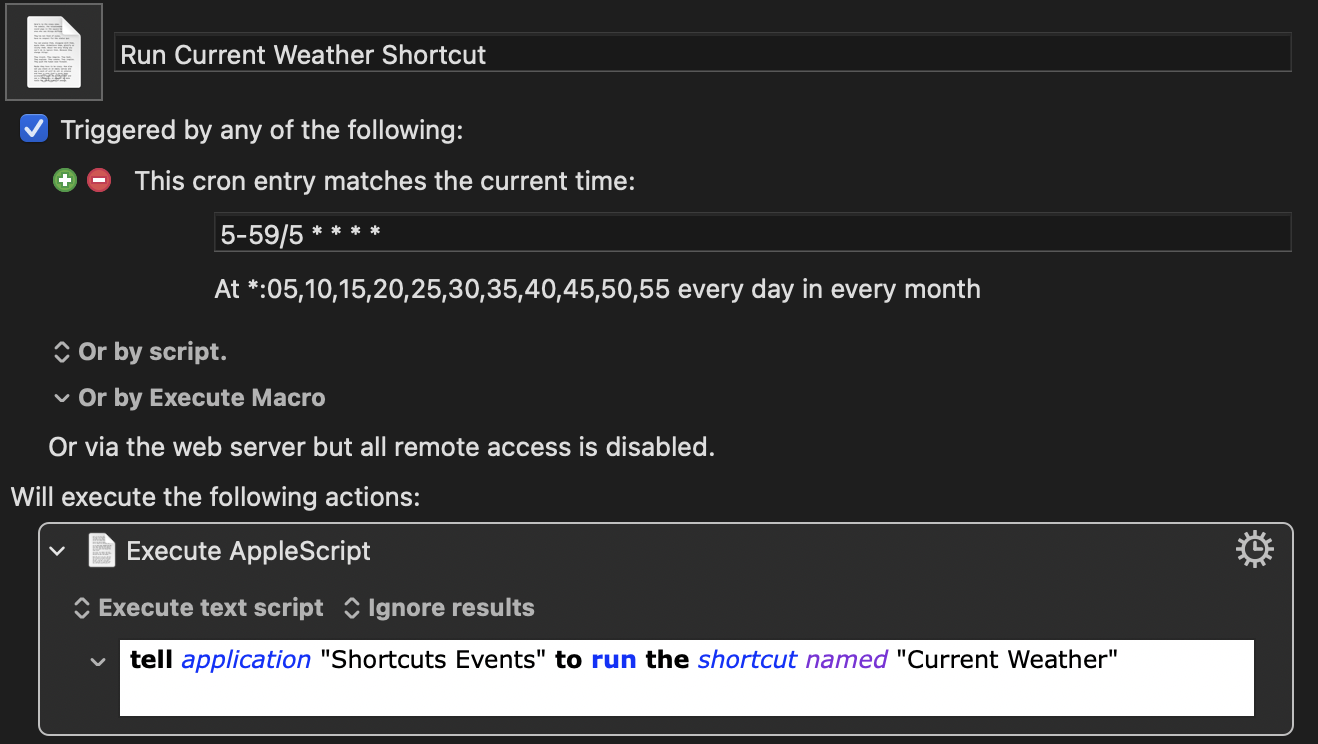
I've been using Keyboard Maestro to run recurring shortcut tasks on my macOS computers. This is the same macro that I've been using the past 2 years and will run the "Current Weather" shortcut every 5 minutes to update the weather conditions in my menu bar.
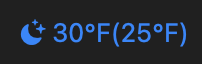
After renaming the testing shortcut to "Current Weather", the macro immediately picked up the new version and displayed the widget in my menu bar with the current weather conditions.
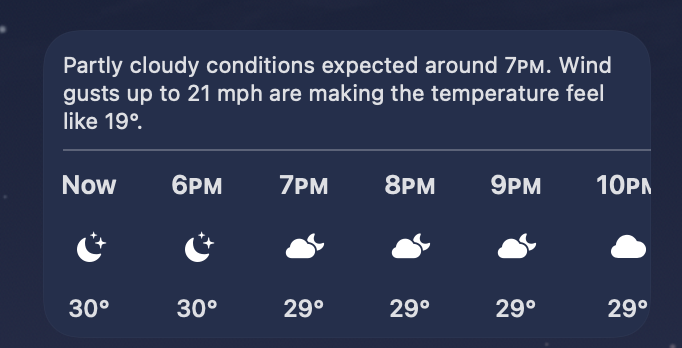
Since the current weather at the time I was testing was Clear, I didn't realize I had a gap in my shortcut. Around 9:20pm, I noticed the weather widget updated and I got the following:
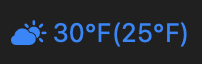
When I looked at the Weather.app for current weather conditions, the app was showing the partly cloudy icon with a moon. However my shortcut was showing a partly cloudy icon with a sun.
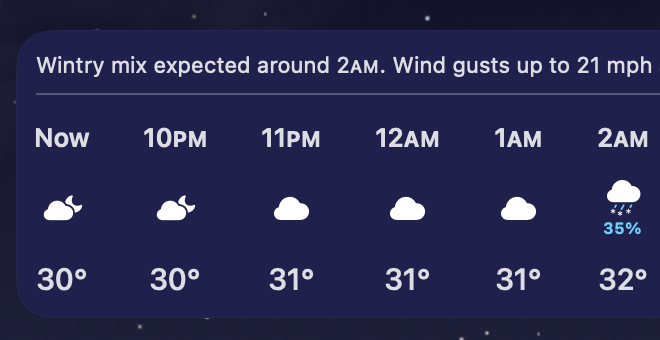
I did some digging into the WeatherKit API and found the Weather.app uses a isDaylight variable to identify if the current weather reading is during daylight hours. If the current conditions are Partly Cloudy when the boolean value is true, Weather.app will show a current conditions icon with a cloud and sun. Otherwise, Weather.app will show a cloud and moon to indicate it's partly cloudy at night.
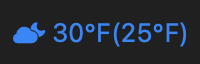
Federico was smart to include the if / then statements to correct the symbol for day time partly cloudy versus night time partly cloudy. I went back and made the needed time of day checks in the shortcut to get the proper time of day shift for partly cloudy. The final version of the shortcut now puts uses sun vs moon based Partly Cloudy icon in the widget based on the current time of day.
Full shortcut steps:
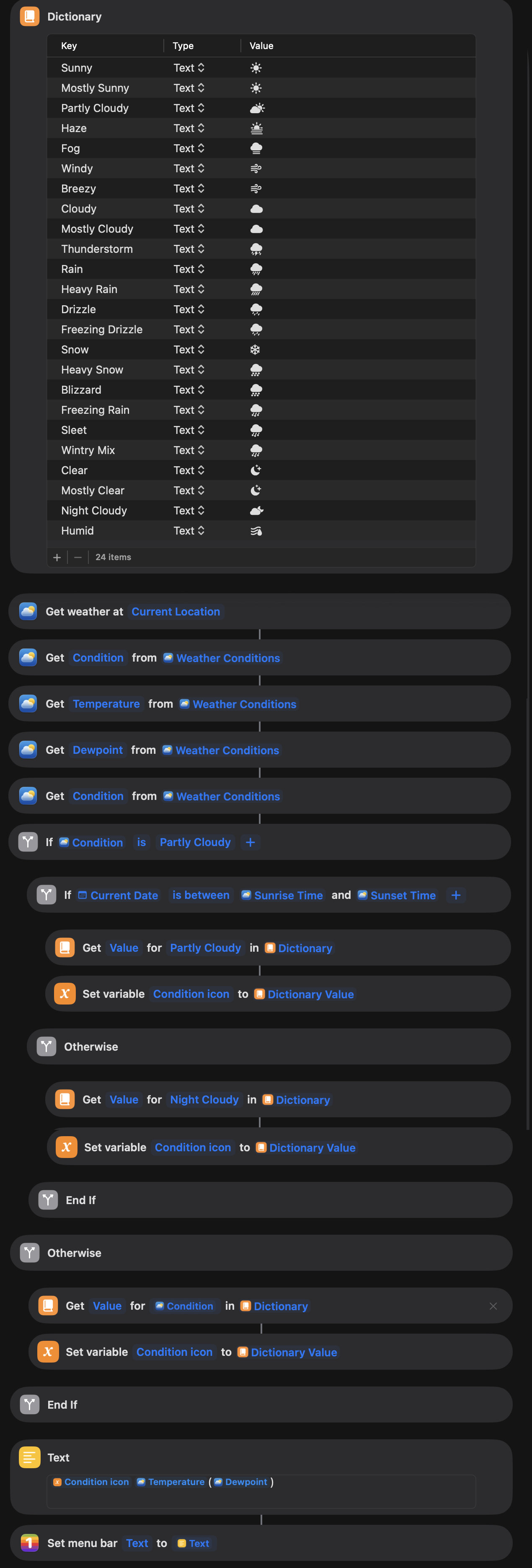
You can get a copy of the shortcut here - Current Weather.