
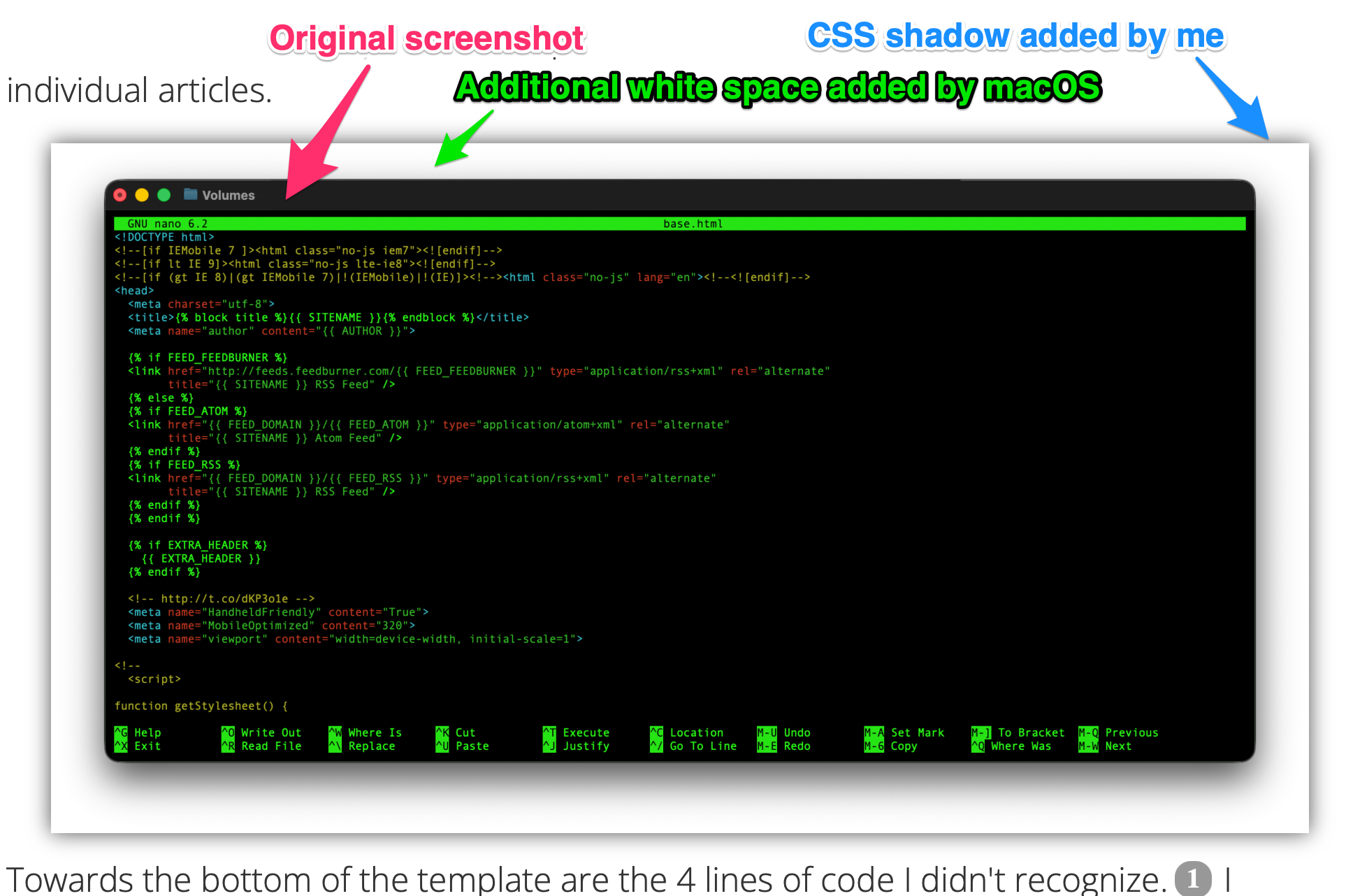
It's been a hectic couple of weeks for me - holidays, new laptop, job change1 and doing my personal year end review. While I was working on a new post, I also had my site open, and noticed the screenshot I used in a recent post. This is the same image I used in the post.

When I was proofing the post, everything looked good. After seeing screenshot I realized I hadn't fully vetted my proofing process. I'm on a new laptop and forgot (again)2 that macOS adds a wrapper and shadow box to all screenshots using the Shift-Cmd-4 keystroke.
The image on the post basically had compounding styling added:
Realizing what had happened, I opened up Terminal.app and disabled the shadow box.
defaults write com.apple.screencapture disable-shadow -bool true && killall SystemUIServer
Someday I'll make a checklist for setting up new Mac computers.
-
More on that later. ↩