
I've been a Mac user for a little over 15 years now. Like a lot of Mac users, I have to split my time in the tools I get to use at home and the tools I have to use for work. One of the these tools that actually overlaps both is Outlook. I'm not saying Outlook is superior to Mail.app or other Mac clients, but it's one of the tools I've used for so long that comfort has beaten function in this prize trade.
That trade off is starting to tip. Microsoft has been updating their apps in the macOS ecosystem for a while now but not giving us the complete package. The trend of AI features and not the basic features a Mac user expected is starting to get worrying. Earlier this fall, Microsoft announced the start of retiring Outlook for Mac "legacy" version next year:1
Starting October 2026, the legacy Outlook for Mac client will stop working against Exchange Online mailboxes. This transition marks a significant step towards a more robust, feature-rich, and secure email experience for all users.
While that's a minor annoyance if I ever get a Mac for work again, it does signal the phase out Microsoft wants to do for its aging Mac apps.
My concern is that Microsoft is ignoring the elephant in the room.
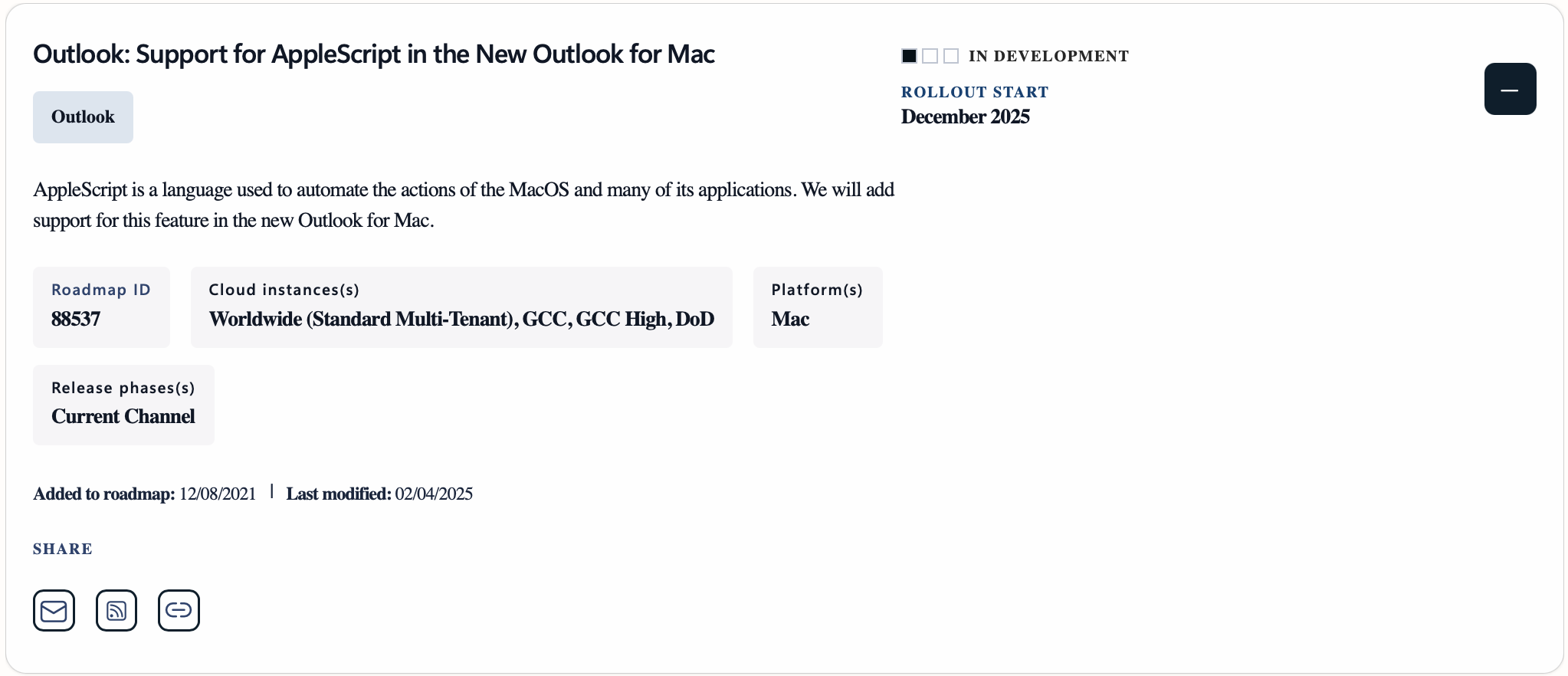
Microsoft announced 4 years, 1 month and 11 days ago that Outlook for Mac (the new version) would get AppleScript support. AppleScript support seems to be waning in recent years, but for veteran Mac users, AppleScript gives enough automation to make some tasks just easier.
If you happen to use Outlook for Mac, and switch this little toggle, your AppleScripts for Outlook will essentially do nothing in the new version.

Warning: do not flip the switch to test. If you turn off "legacy" mode, Outlook will treat the change as a brand new setup after the app restarts and will likely remove all of your accounts. 2
I was fortunate in my last job to be blessed with two computers - a MBP and a generic Windows laptop. The MBP was my daily use computer and used the Windows laptop for one off project needs. The key AppleScript I use is part of a Keyboard Maestro macro that will take a selected email message, parse the email header and body, and create a new OmniFocus task. This allowed me to grab an email that required a follow up action and automatically create task for me.
I guess if Outlook isn't going to get updated to match my workflow I need to start looking for a new tool for my toolbox.
-
I found this out the hard way... ↩